See what a controlled AI workflow looks like.

Choose an example close to your operation, then inspect the working shape before considering a build.

A controlled AI system connecting intake, review, and customer-facing workflows

Follow the work from input to outcome.

Each example separates the current bottleneck, the task AI can prepare, the person who remains responsible, and the system that receives the result.

Lead follow-up

Sales and CRM

Inbound leads from forms and email are classified, enriched, scored, and routed before a human sends the next message.

Build includes:

  • Lead queue with score, source, owner, and risk flags
  • Suggested response with source context
  • Audit trail for routing and human approval
See lead workflow
Before

Good leads arrive in multiple places, CRM data is incomplete, and follow-ups depend on manual copy-paste.

AI can prepare

Website forms, email, CRM records. Fit score, missing data, suggested next action.

Person approves

Sales owner approves routing and reply

System output

Clean CRM record and follow-up task

Faster replies, fewer lost follow-ups, and cleaner pipeline data.


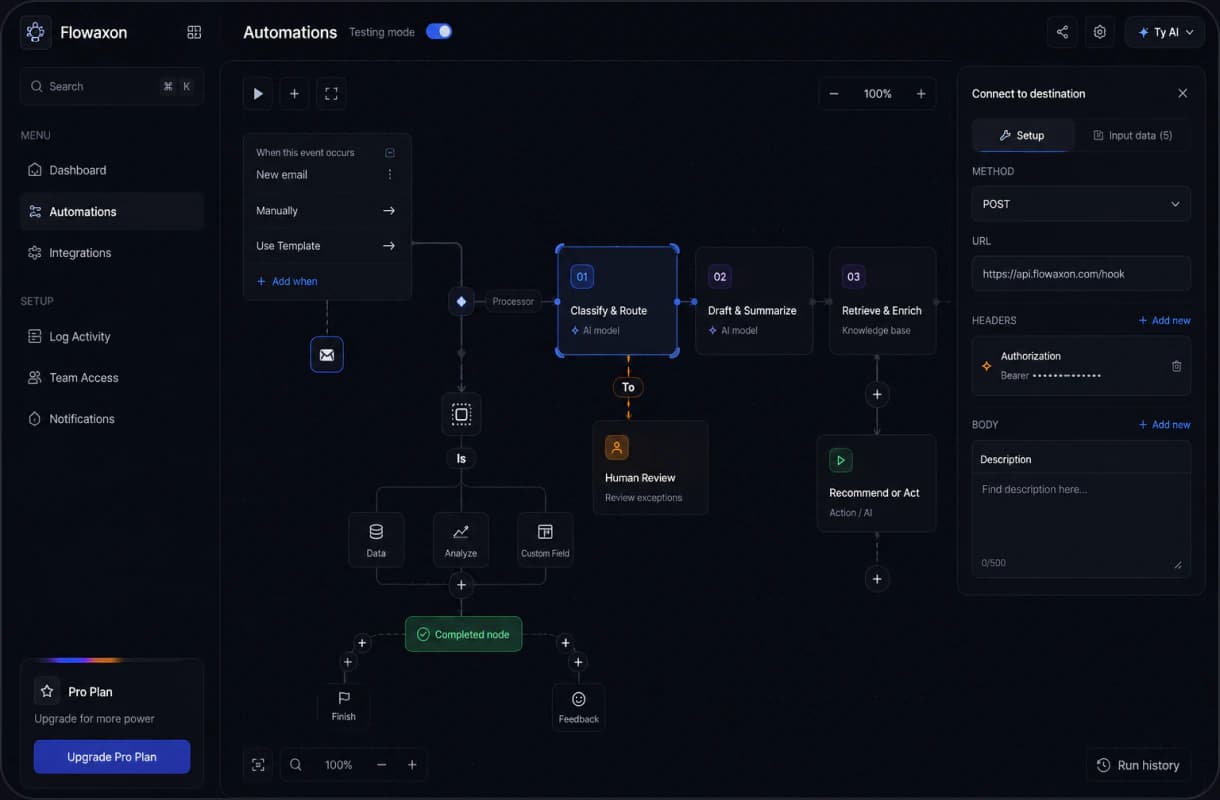
The normal path is only half the system.

A reliable workflow makes exceptions visible before they become bad updates, messages, or decisions.

What the workflow must preserve.

  • Context stays visible

    Original input, missing fields, and conflicting records remain available for review.

  • Uncertain cases stop

    Low-confidence output is routed with its source and the reason it needs attention.

  • Recovery has a path

    Failed steps keep their run history and follow a configured retry or manual route.

Workflow interface showing AI steps, a human review branch, fallback paths, and run history

Where AI usually creates value first.

The first useful wins are not generic chatbots. They are repeated handoffs where data enters, someone checks it, and the next step needs to happen in CRM, email, documents, reporting, or another operating tool.

Sales and CRM

Leads arrive from forms, email, and CRM records, then someone cleans, scores, routes, and follows up.

Scored lead queue, CRM update, reply draft

Proposal and intake

Requests arrive as emails, calls, PDFs, and notes before anyone can scope the work.

Scope notes, missing questions, proposal outline

Documents

Invoices, contracts, forms, or onboarding files need extraction, checks, approval, and sync.

Document queue, confidence checks, exception approval

Support and knowledge

Tickets need source checks, answer drafts, escalation, and a visible handoff to the owner.

Support review queue, sourced draft, escalation path

Customer-facing products

Customers need a secure place to submit work, use AI-assisted features, and track results.

SaaS workflow, account access, admin controls

Internal operations

Approvals, admin checks, and handoffs move between tools without clear ownership.

Workflow queue, permissions, audit trail

A use case can take three different forms.

The deciding factor is where the work lives and who needs to use it.

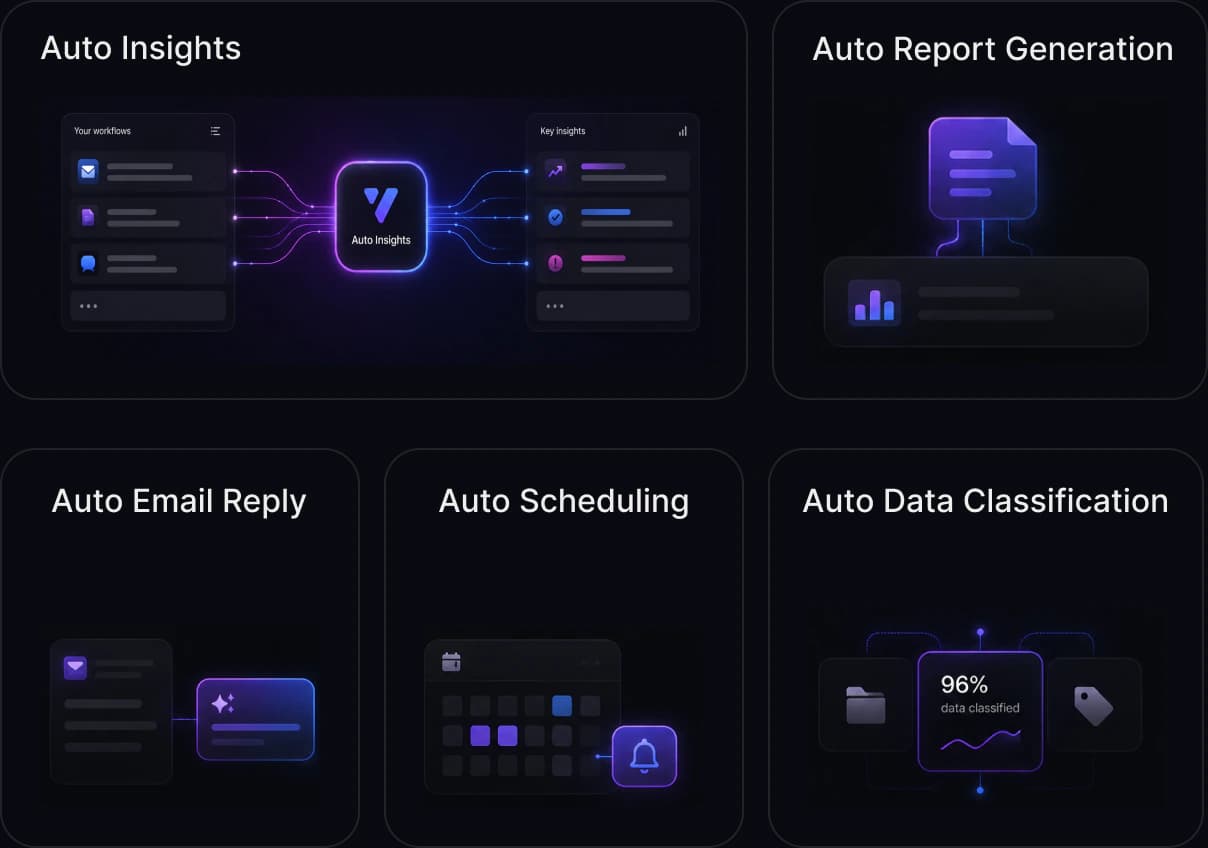
Connect the tools already in place.

When the team should keep working in CRM, email, documents, or existing systems, I build the workflow logic and integrations behind them.

Explore workflow automation
Workflow automation concepts connecting inputs to insights, reports, replies, schedules, and classified data

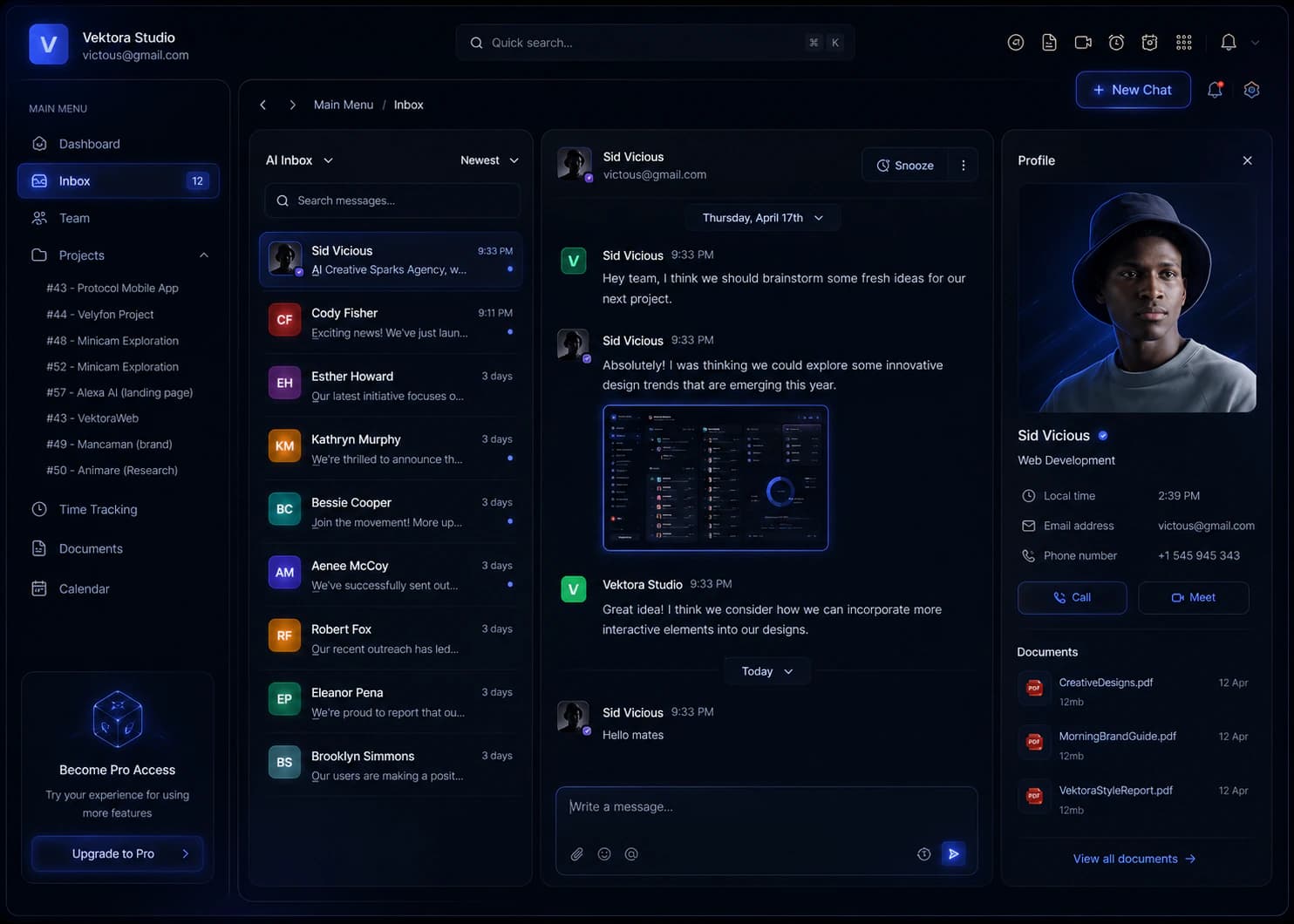
Give the team a control surface.

When people need to review cases, manage exceptions, and see ownership, the workflow becomes a dedicated internal AI tool.

Explore internal AI tools
Internal AI tool interface with inbox, shared work, customer context, files, and team actions

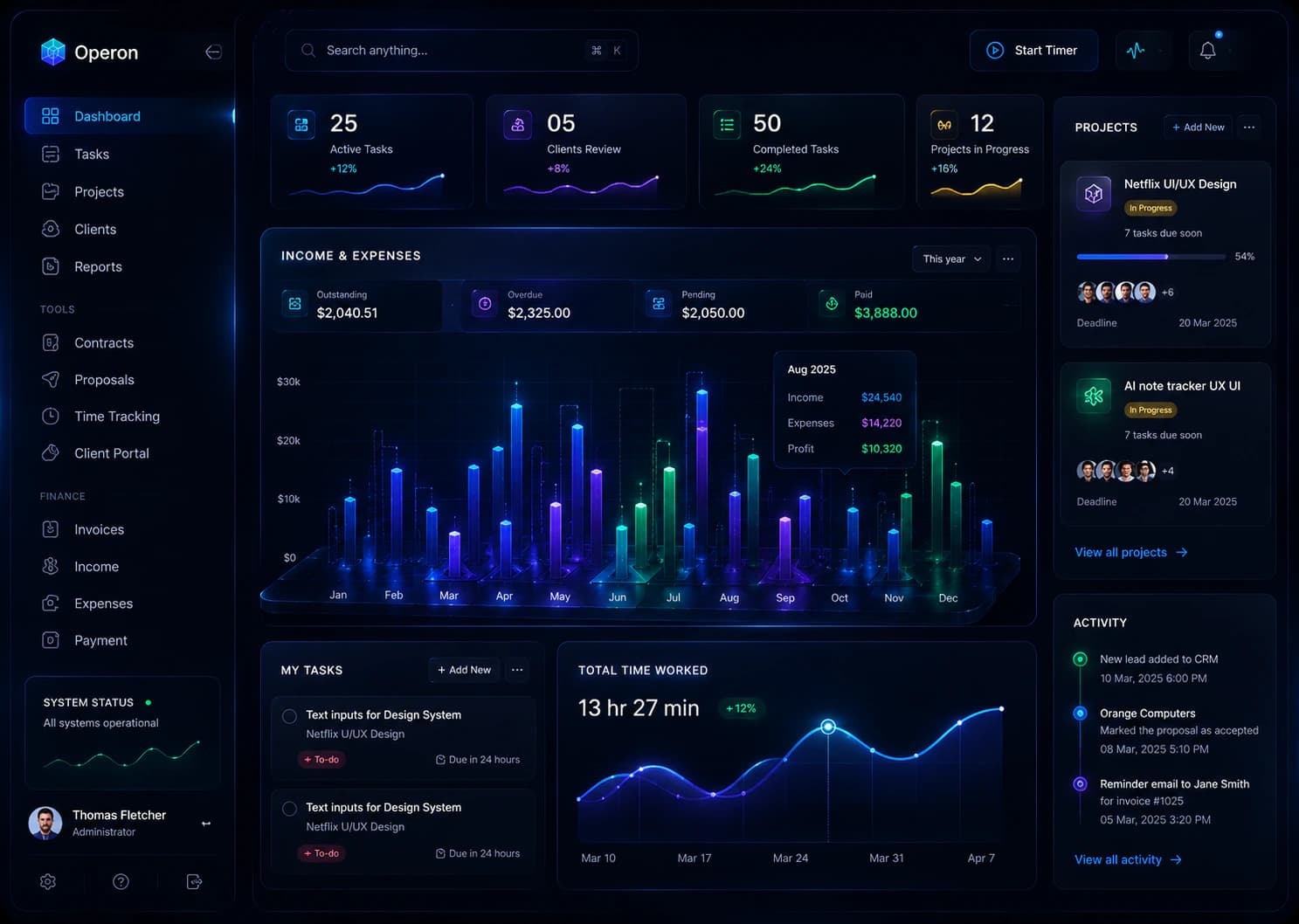
Turn the workflow into a customer product.

When customers need accounts, progress, and AI-assisted actions, the workflow becomes a complete SaaS product or portal.

Explore AI product development
Customer-facing AI product interface with accounts, workflows, product data, and operational controls

Describe the workflow that keeps taking time.

Send the messy version: tools involved, handoffs, approvals, data, and the result the team or customer needs. I will reply with a free fit recommendation and the most practical next step.