Internal tools
Workflow automation
Data integration
Roles and permissions

Internal tools that remove operational friction.

Replace spreadsheets and manual steps with tools tailored to how your team works. I handle scope, design, integrations, and build so the system is reliable and easy to adopt.

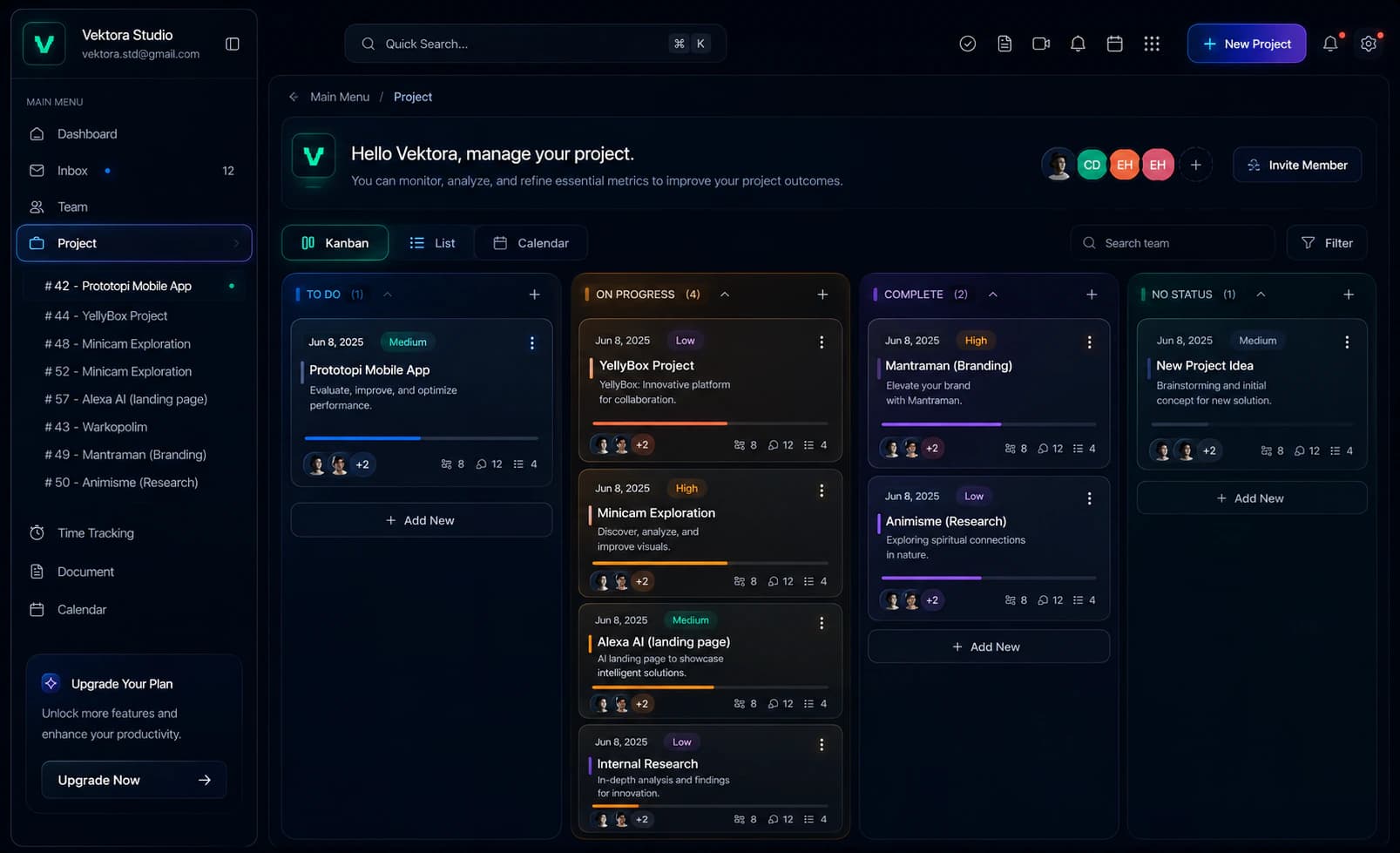
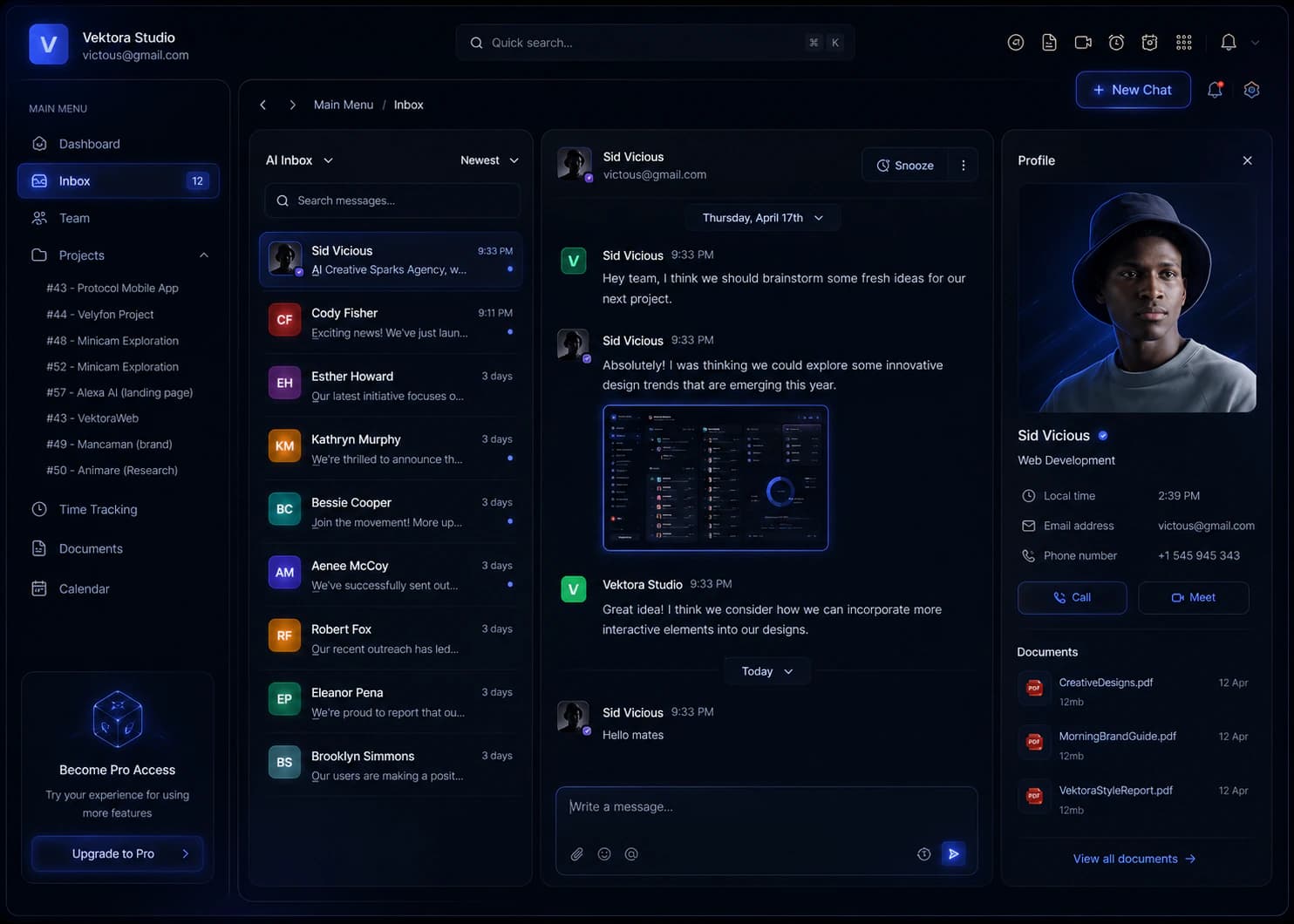
Internal tool interface preview with queue, status filters, and approval panel

Workflow clarity in action.

These scenarios show what changes when a workflow moves from spreadsheets and email to a purpose-built internal tool.

Internal ops dashboard

Operations command center

Requests, handoffs, and metrics were scattered across email, spreadsheets, and a CRM. No one had a clear view of what was urgent or blocked.

Clear ownership
every request has a visible owner
Less copy-paste
data flows between tools automatically
Trusted reporting
metrics stay consistent across teams
Book a strategy call
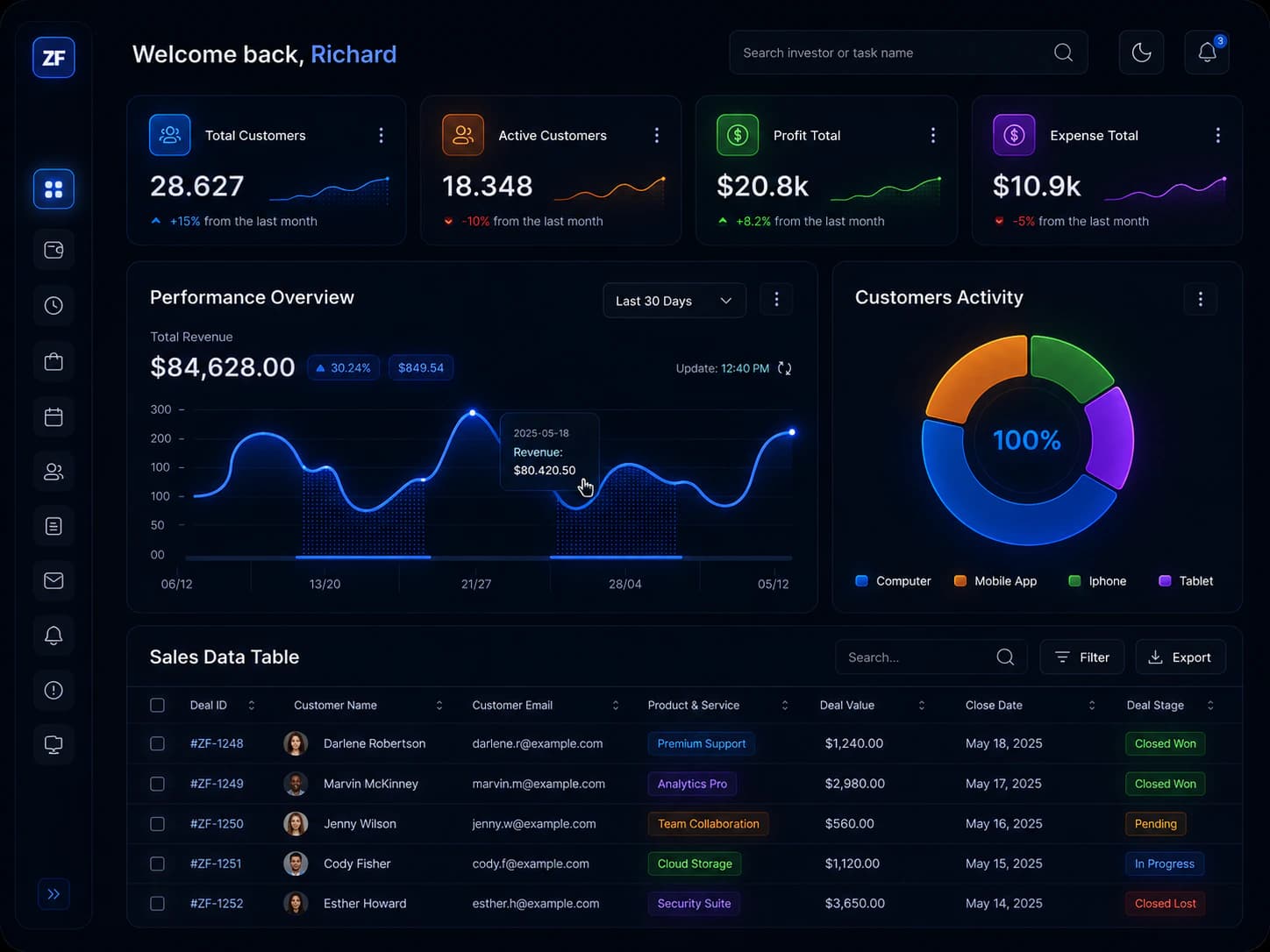
Operations command center dashboard

The workflow solution

We mapped the workflow, built role-based views, and connected the data sources so every team worked from the same truth.

Operations command center workflow solution screens
"Work stops living in spreadsheets. Ownership is clear, and the system keeps the team aligned on what matters most."
Common outcomes
Internal tool projects

Modules that keep internal tools usable.

Internal tools succeed when the system is clear, reliable, and easy to operate. These are the core modules I build for adoption.

Admin overview

Role-based dashboards

At-a-glance metrics

Key numbers and alerts are visible without digging through tabs.

Queue visibility

Requests and tasks stay visible with clear ownership and status.

Bulk actions

Handle common actions quickly without repeated manual steps.

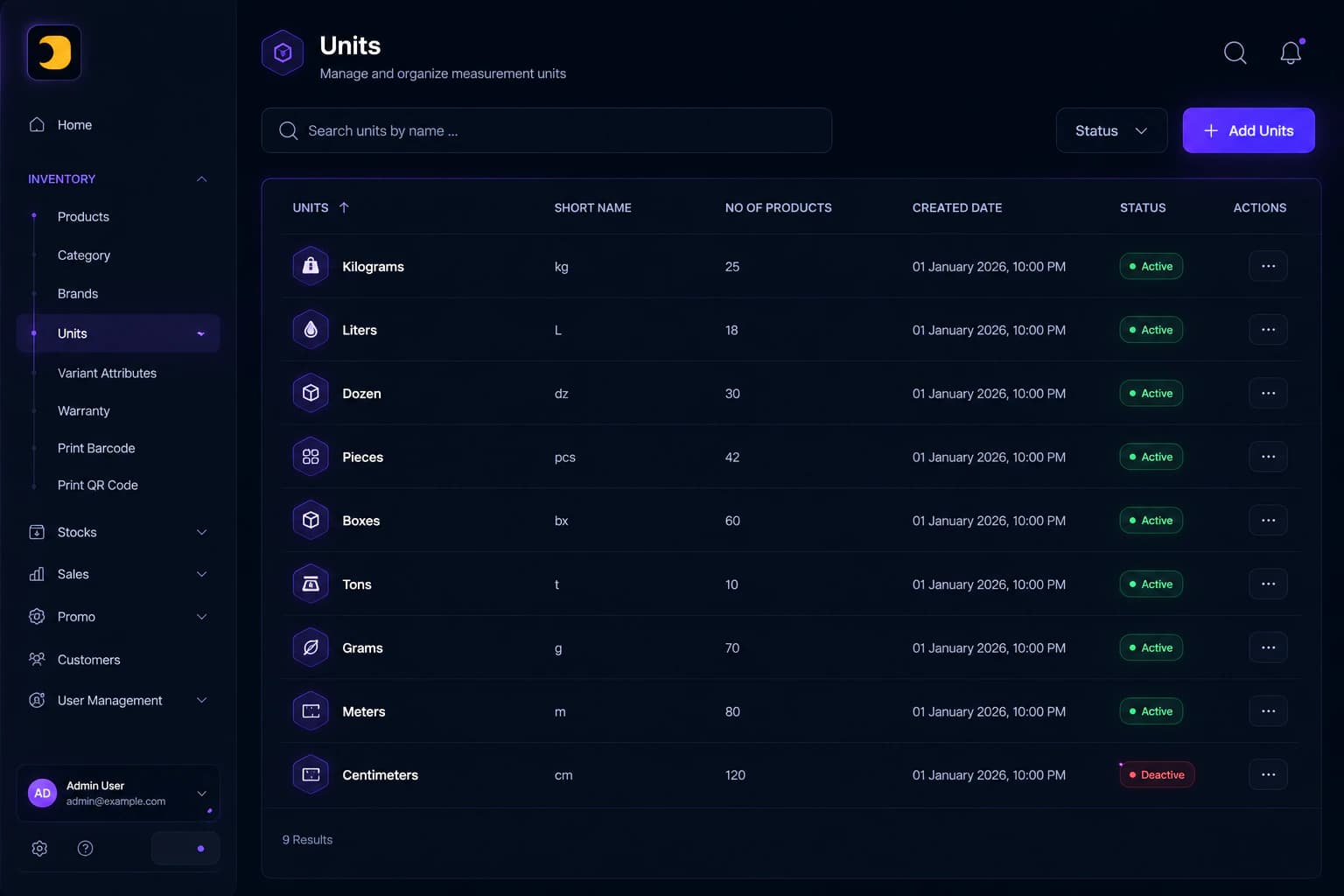
Admin overview module interface

Workflow queues

Requests and approvals

Triage views

Separate queues for new, in review, and blocked items.

Status rules

Clear states keep the team aligned on what happens next.

Escalation paths

Critical work never gets stuck or lost in the system.

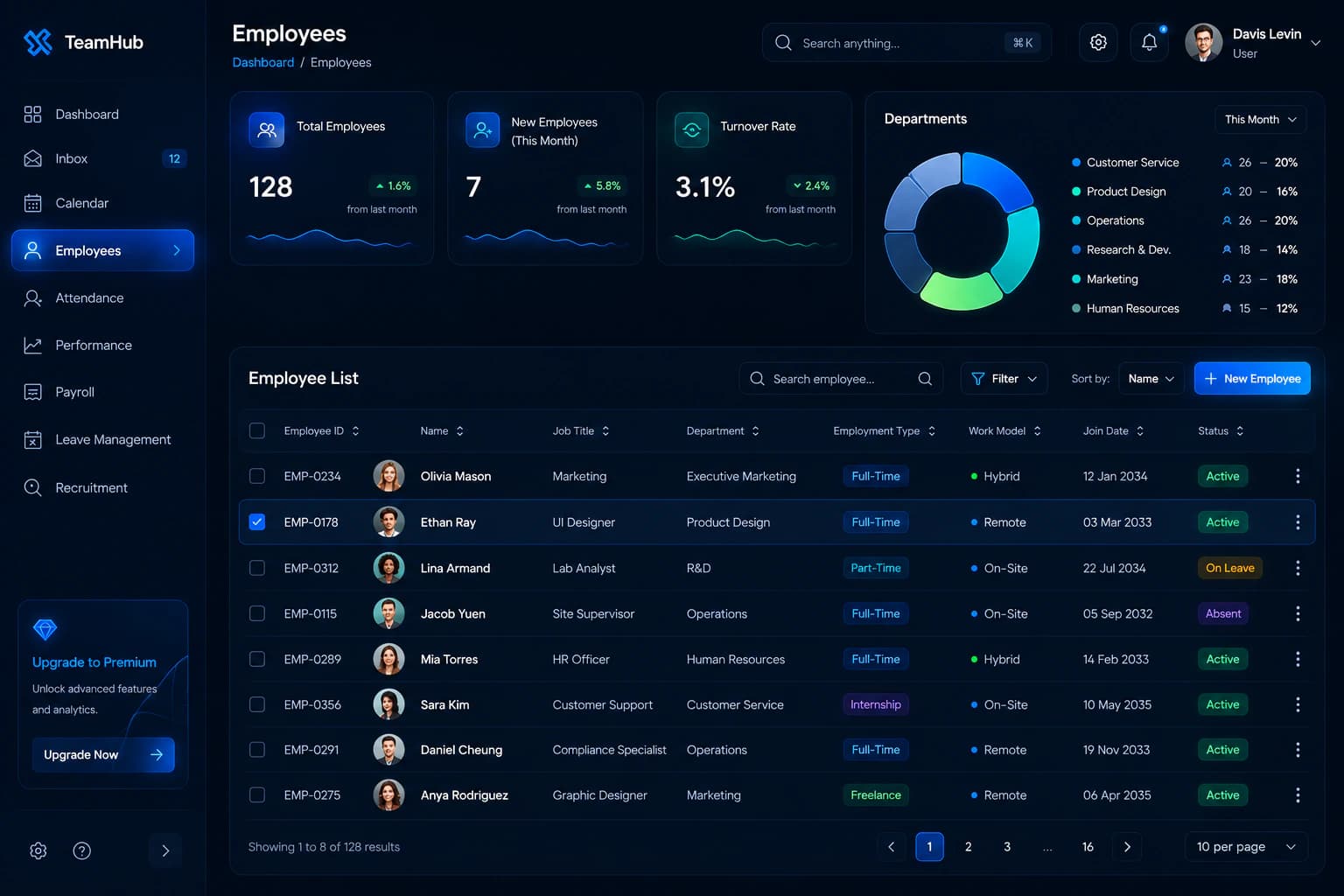
Workflow queues module interface

Data entry with guardrails

Validation and defaults

Structured forms

Fields are organized around the real workflow, not the database.

Error states

Validation catches mistakes before they hit downstream systems.

Safe edits

Sensitive changes include confirmations and clear feedback.

Data entry with guardrails module interface

Permissions and audit

Access you can trust

Role-based access

Every user sees only what they need to do their job.

Sensitive actions

High-impact changes require confirmation and clear logging.

Audit history

Actions are traceable for compliance and accountability.

Permissions and audit module interface

Ready for an internal tool that fits your workflow?

Share the process, roles, and data sources. I will propose a clear scope and the fastest path to delivery.

Workflow patterns that keep teams moving.

Internal tools fail when the UI slows people down. These patterns keep work clear and reliable, even when tasks happen on the go.

Operations intake

Requests arrived through email and Slack with no clear queue

Single intake form: capture context, priority, and owner in one place

Queue views: triage work by status and urgency without confusion

Status updates: requesters see progress without chasing the team

Clear ownership and fewer missed requests

Finance approvals

Approvals were delayed and hard to audit

Approval routing: send each request to the right person automatically

Validation rules: prevent incomplete or risky submissions

Audit history: every decision is traceable and easy to review

Approvals stay traceable without extra follow-ups

Field operations

Teams needed quick updates on mobile with weak connectivity

Mobile-friendly forms: fast input with clear defaults and validation

Offline capture: work continues even when the signal drops

Sync rules: conflicts resolve cleanly when devices reconnect

Consistent data even when the connection is weak

Customer operations

Support and account teams tracked customers in different tools with no shared context

Shared workspace: keep notes, ownership, and customer status in one place

Follow-up queues: surface renewals, risks, and open actions automatically

Activity timeline: preserve history so handoffs stay clean between teams

Single source of truth for support and account handoffs

A clear path from workflow to launch.

We move from mapping the process to a working tool without overbuilding. Each phase reduces risk and keeps the team aligned.

Understand the workflow

Discovery

Map the current process, identify failure points, and agree on the smallest useful version.

Workflow map and pain points
Roles and permissions outline
Data sources and constraints
Scope for the first release

Prototype and validate

Prototype

Design screens and flows, validate with real tasks, and adjust before building.

Key flows and wireframes
Clickable prototype
Feedback and revisions
Updated scope and priorities

Build and integrate

Build

Implement UI, backend, and integrations with QA and security checks.

Frontend and backend build
Integrations and data sync
Testing and QA
Handover plan and docs

Launch and iterate

Launch

Roll out the tool, train the team, and refine based on usage.

Rollout and training
Usage monitoring
Iteration backlog
Support plan

Clear internal tool pricing.

Choose a fixed-scope build or a monthly partnership, depending on how quickly your workflows evolve.

Popular

Fixed-scope builds

Best for a well-defined dashboard, internal tool, or integration project with a clear deliverable.

  • Clear scope, milestones, and timeline
  • Fixed deliverables and ownership
  • Built to be maintained and extended
  • Roadmap aligned to your workflow
  • Delivery with monitoring and handover
Starting from
€10k+/project
Get started
Most flexible

Monthly systems partner

Best for teams that want ongoing improvements, automations, and iteration without new contracts each time.

  • Prioritized queue of requests
  • Weekly delivery and async collaboration
  • Continuous improvement and monitoring
  • Transparent backlog and scope control
  • One flat monthly fee
Monthly from
€6.5k/month
Let's discuss

Internal tools FAQ.

Questions about internal tools, permissions, integrations, and maintenance. Don't see yours? Let's talk.

A focused internal tools release can usually ship in a few weeks. Final timing depends on workflow complexity, permissions, integrations, and data readiness. We set milestones early so delivery stays predictable.

Pricing covers workflow discovery, UI implementation, backend integration, role and permission logic, QA, and deployment support. Scope is based on workflows, user roles, and integration depth.

Yes. If the current backend is stable, we integrate with it and keep changes minimal. If it needs refactoring, we scope the work and isolate risk before building.

We define role-based access, keep least-privilege defaults, and add logging for sensitive actions. Data exposure is limited by design, not just policy.

Yes. I can integrate with providers like Google, Okta, or Microsoft, or implement secure auth that fits your stack. We choose the simplest reliable option for your team.

Usually, yes. I will review your stack, constraints, and team skills, then propose the safest path forward. The goal is reliability and long-term maintainability.

We review usage, fix issues, and plan improvements. You can keep me on as a monthly partner or take a clean handoff with documentation and training.

One workflow owner, sample data, access to current process documentation, and a decision-maker for weekly feedback. That is enough to scope and ship the first version with confidence.

What would your team stop doing if the tool existed.

Tell me the workflow that feels slow, manual, or risky. I will propose a tool that removes the friction without overbuilding.

February 2026

MON
TUE
WED
THU
FRI
SAT
SUN

Select a date

Please select a date to see available times