Internal AI tools that keep operations under control.

I build review queues and control panels where teams inspect AI output, handle exceptions, and approve sensitive actions.

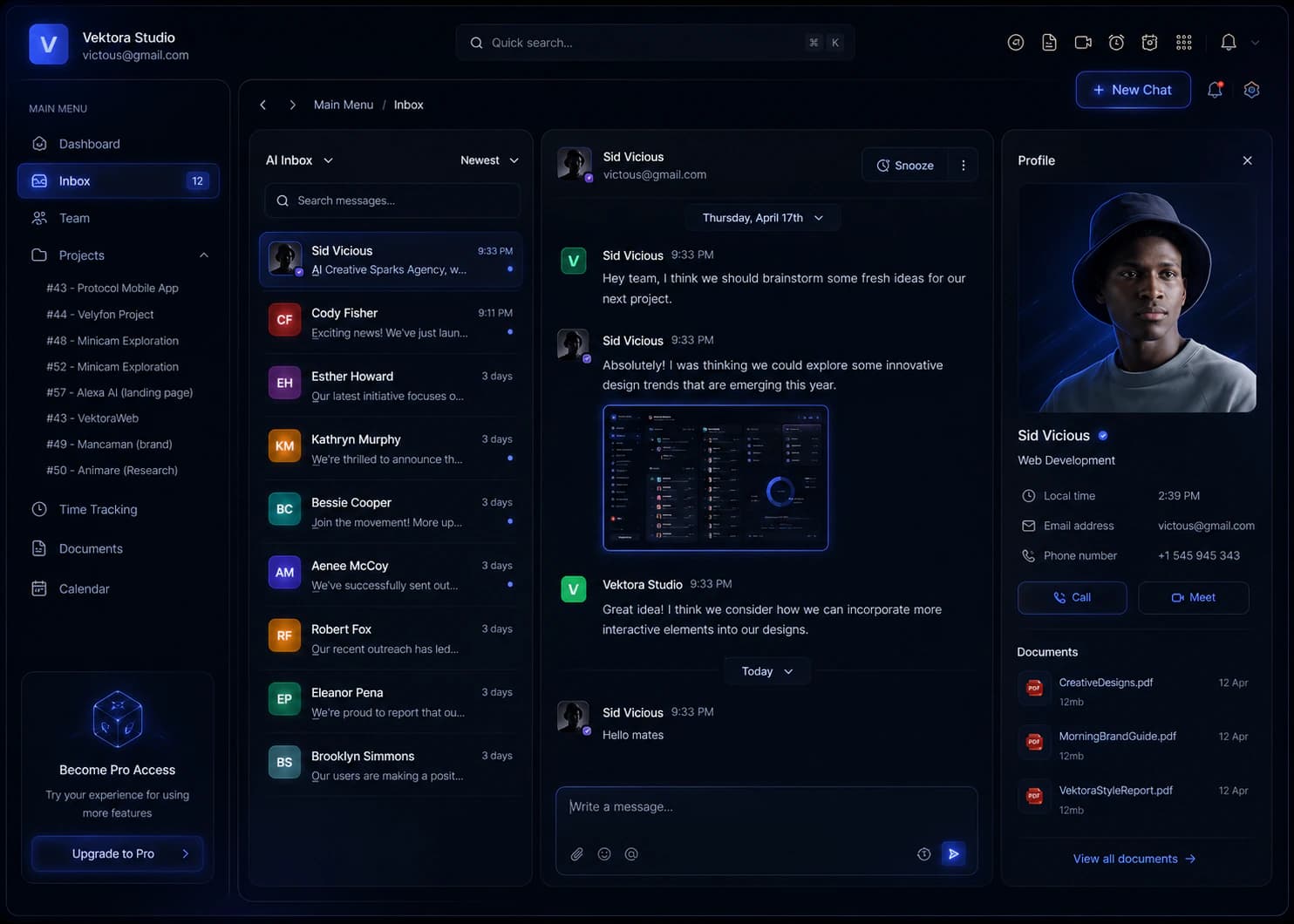
Internal AI control panel interface concept with workflow context, review actions, and decision history

Build the operator layer only when the workflow needs one.

An internal AI tool earns its place when the team needs one shared surface to review proposed actions, resolve exceptions, control access, and recover when a step fails.

Good trigger
Recurring approvals or exceptions still move through inboxes, spreadsheets, and disconnected systems, so context and ownership keep getting lost.
What gets built
The review queue or command center, role-aware actions, decision history, workflow states, and the integrations required to keep the source systems current.
Commercial starting point
Internal AI tool engagements typically sit in the €10,000 - €50,000+ range. When the operating model is not defined yet, the workflow audit is €2,500 fixed.

One place to turn AI output into decisions.

Each work item keeps the source, AI suggestion, reviewer action, owner, and next state together.

What each work item needs.

A request enters from an existing tool, receives an AI-assisted suggestion, and waits for the right person to decide what happens next.

  • Source and evidence

    Original inputs stay beside the AI suggestion.

  • Human decision

    Approve, edit, reject, or escalate before work moves.

  • Clear next state

    Owner, status, and next action update after every decision.

Internal AI review queue interface concept showing work items awaiting a human decision

Modules that make AI workflows safe to operate.

Production AI needs more than a prompt. These interfaces make review, ownership, access, and operational state visible to the people responsible for the outcome.

01 / Review

AI review queue

Suggestions waiting for human control

Every suggestion arrives with the context needed to decide: source data, confidence, and a clear set of human actions.
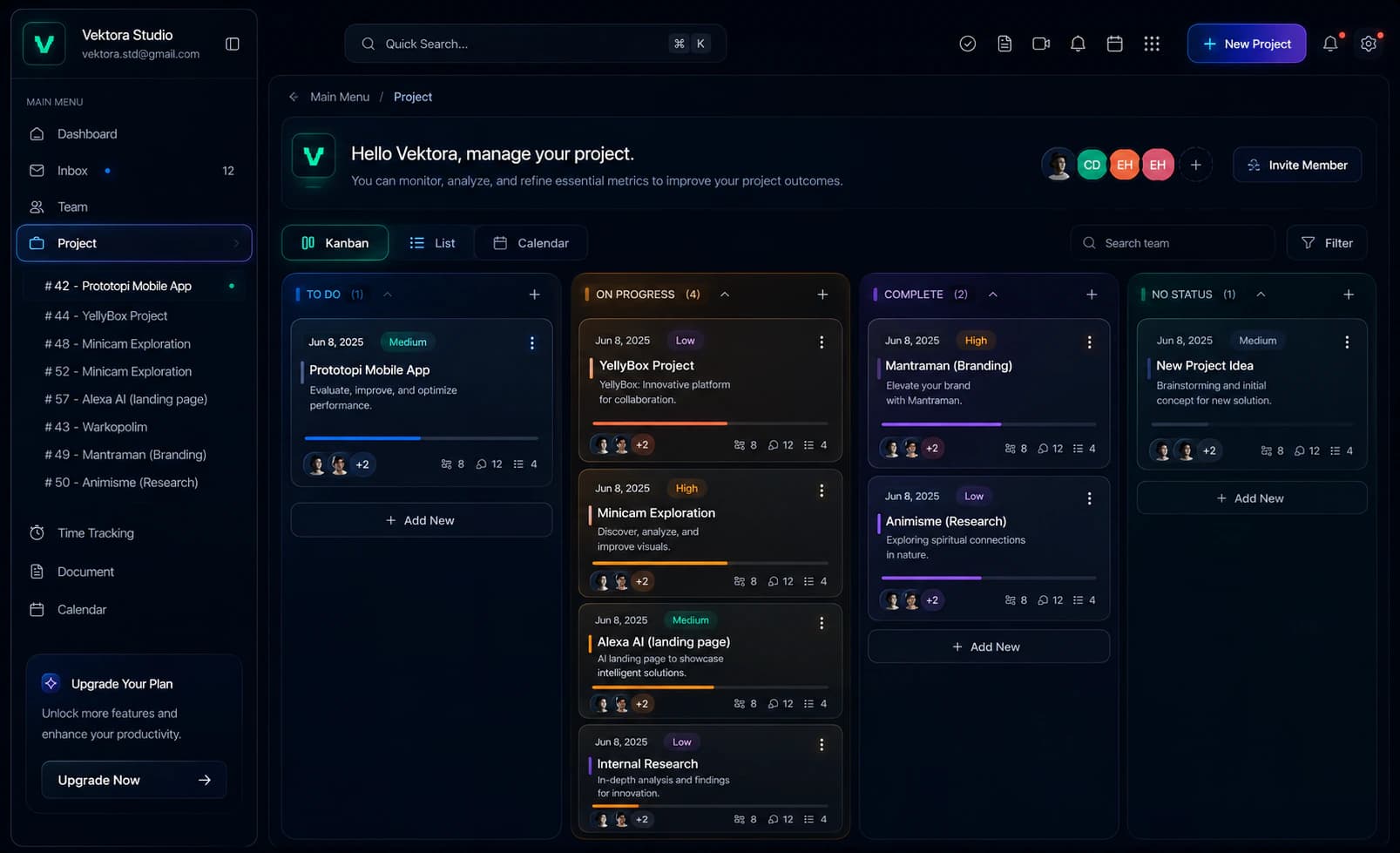
Dark project review board with Kanban stages and work items awaiting decisions
  1. Signal 01

    Reviewable output

    Drafts, classifications, summaries, and proposed actions wait in one queue.

  2. Signal 02

    Decision context

    Confidence and source data stay attached to every suggestion.

  3. Signal 03

    Human action

    Approve, edit, reject, escalate, or re-run without leaving the workflow.
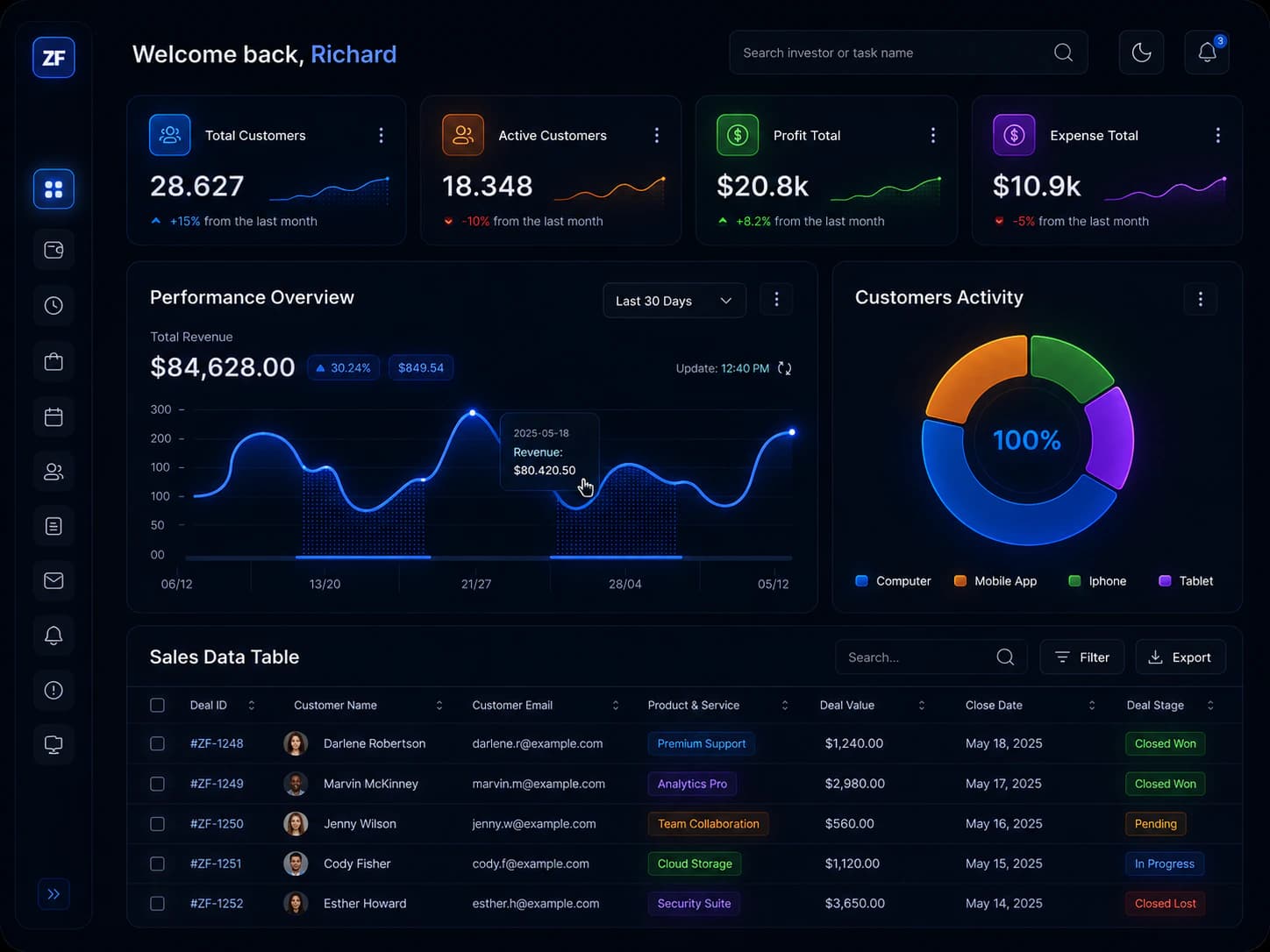
02 / Operate

Workflow command center

Status, owners, and bottlenecks

Run the operation from one place. Teams see what is moving, who owns it, and which items need intervention now.

Dark operations dashboard with customer metrics, revenue chart, activity breakdown, and sales table
  1. Signal 01

    Stage visibility

    Track intake, review, approval, blocked, completed, and exception states.

  2. Signal 02

    Clear ownership

    Every item carries an owner, priority, due date, and next action.

  3. Signal 03

    Exceptions first

    Blocked work, SLA risks, and unusual AI outputs surface immediately.

03 / Structure

Data entry with guardrails

Structured input before AI acts

Structure inputs before automation touches them, so incomplete, unusual, or sensitive data never slips into the workflow unnoticed.

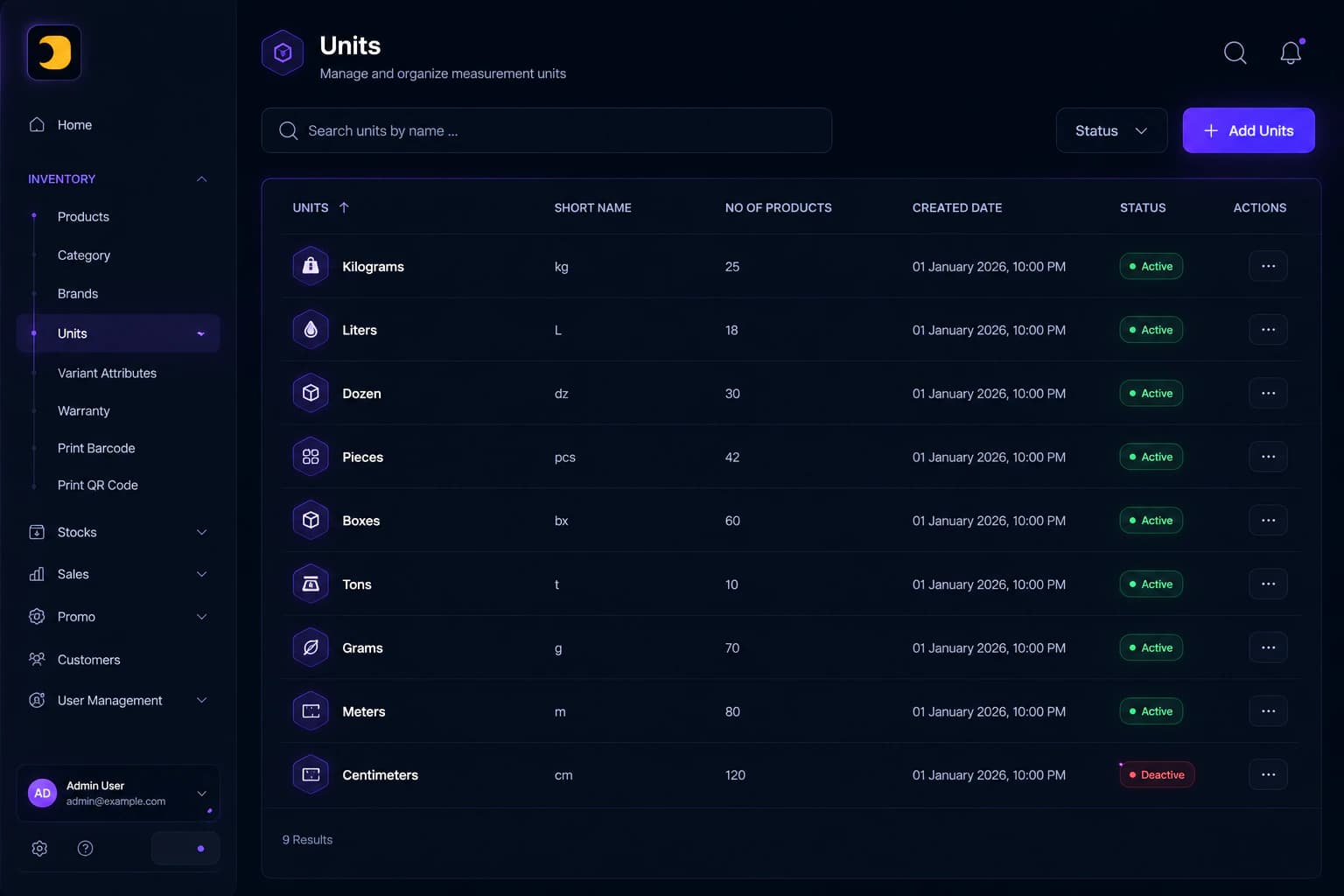
Dark inventory management dashboard listing measurement units, product counts, statuses, and actions
  1. Signal 01

    Process-shaped forms

    Inputs follow the real business workflow instead of a raw database schema.

  2. Signal 02

    Validation before action

    Missing fields and risky values stop before downstream tools can act.

  3. Signal 03

    Sensitive cases flagged

    Unusual data and high-impact changes receive an extra review step.

04 / Govern

Roles, permissions, and audit

Controls for sensitive workflows

Keep sensitive work accountable with role-based access and a decision history that survives handoffs, audits, and exceptions.

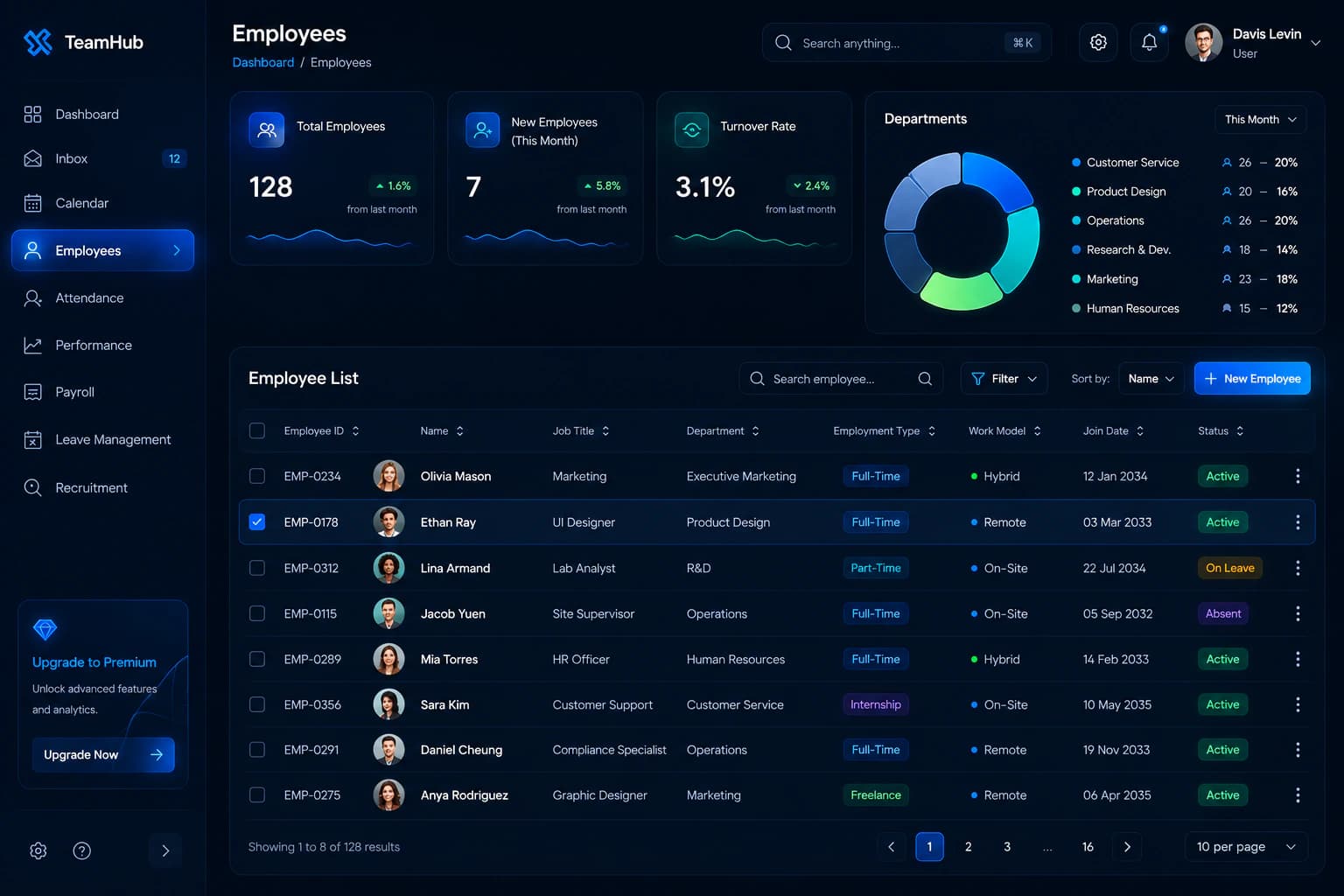
Dark employee operations dashboard with staffing metrics, department chart, and employee records
  1. Signal 01

    Least-privilege access

    Each role sees only the data and actions required for its work.

  2. Signal 02

    Sensitive actions logged

    Approvals, overrides, exports, and high-impact changes are recorded.

  3. Signal 03

    Traceable decisions

    Teams can see who approved what, when, and with which source context.

Where a team-facing control surface earns its place.

The strongest fit is work with recurring exceptions, sensitive approvals, or decisions that need context from several systems.

Approval and exception handling

Approvals, exceptions, and edge cases move slowly because context is scattered and risk is unclear

  • Risk summary: summarize what changed, why it matters, and what needs review

  • Approval routing: send each case to the right person with the right level of control

  • Decision history: record approval, rejection, edits, and source context for later review

Support and account operations

Support and account teams spend too much time summarizing history, routing requests, and spotting risks

  • Conversation summary: turn long threads into current status, risk, and recommended response

  • Routing rules: assign issues by priority, customer type, SLA, and confidence level

  • Human review: let the team approve replies or escalations before anything goes out

Document-heavy back office workflows

Contracts, invoices, intake documents, and forms require repeated extraction, checking, and routing.

  • Document extraction: pull key fields, missing data, and unusual clauses into a structured review screen

  • Validation and routing: flag incomplete or risky cases and route them to the right owner

  • System update: send approved data to CRM, finance, support, or internal tools

Show me where the team still needs to review or intervene.

Share the workflow, roles, and tools involved. I will tell you whether it needs an internal tool, workflow automation, or the paid audit first.