
Lead qualification and sales routing
Turn inbound leads into a scored queue with missing-data flags and clear routing.
- Lead scoring with review steps
- Company enrichment and missing-data flags
- Clear handoff to sales or founders
I design and build AI-assisted workflows that connect existing tools, move information between steps, and keep people in control of sensitive decisions.
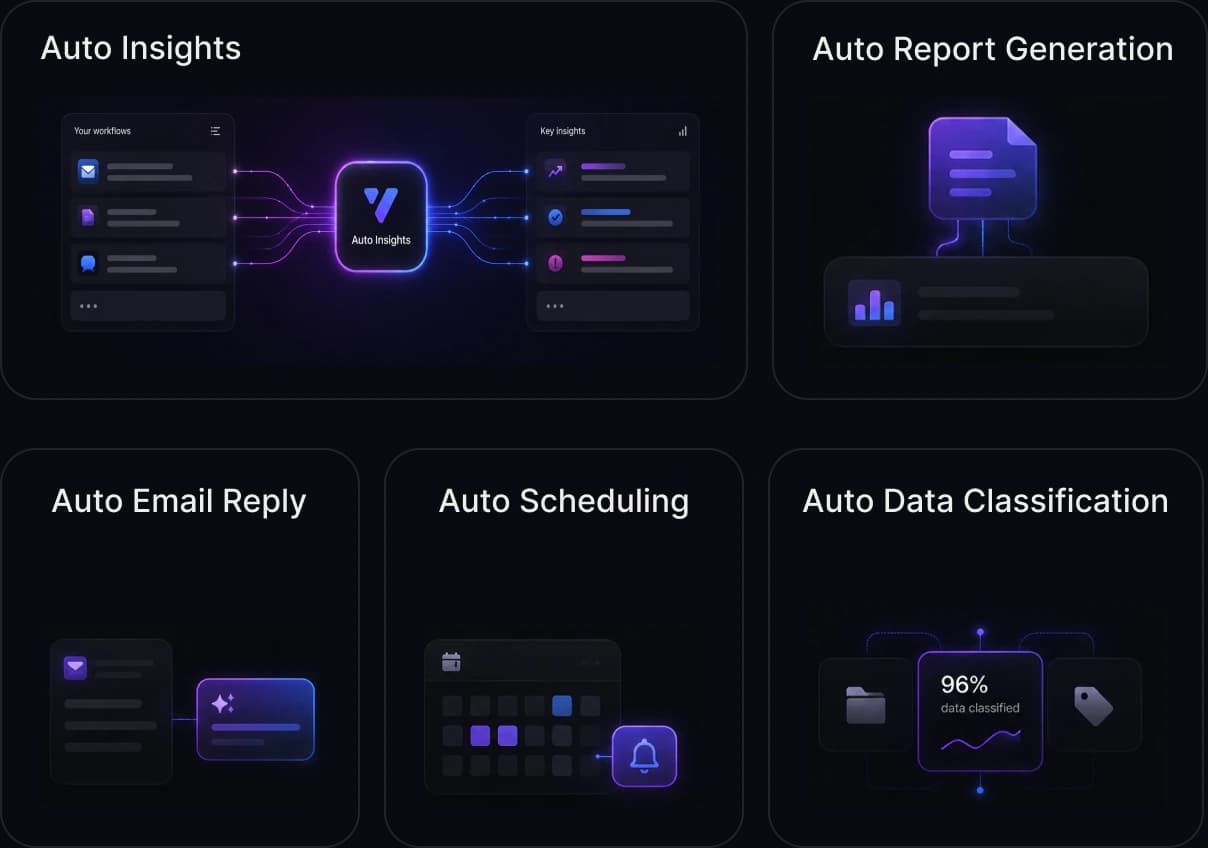
The first release connects the smallest useful set of systems, keeps consequential actions behind a named human decision, and leaves a clear operating record.
Start with a workflow where repeated inputs, decisions, handoffs, or reviews slow the team down.
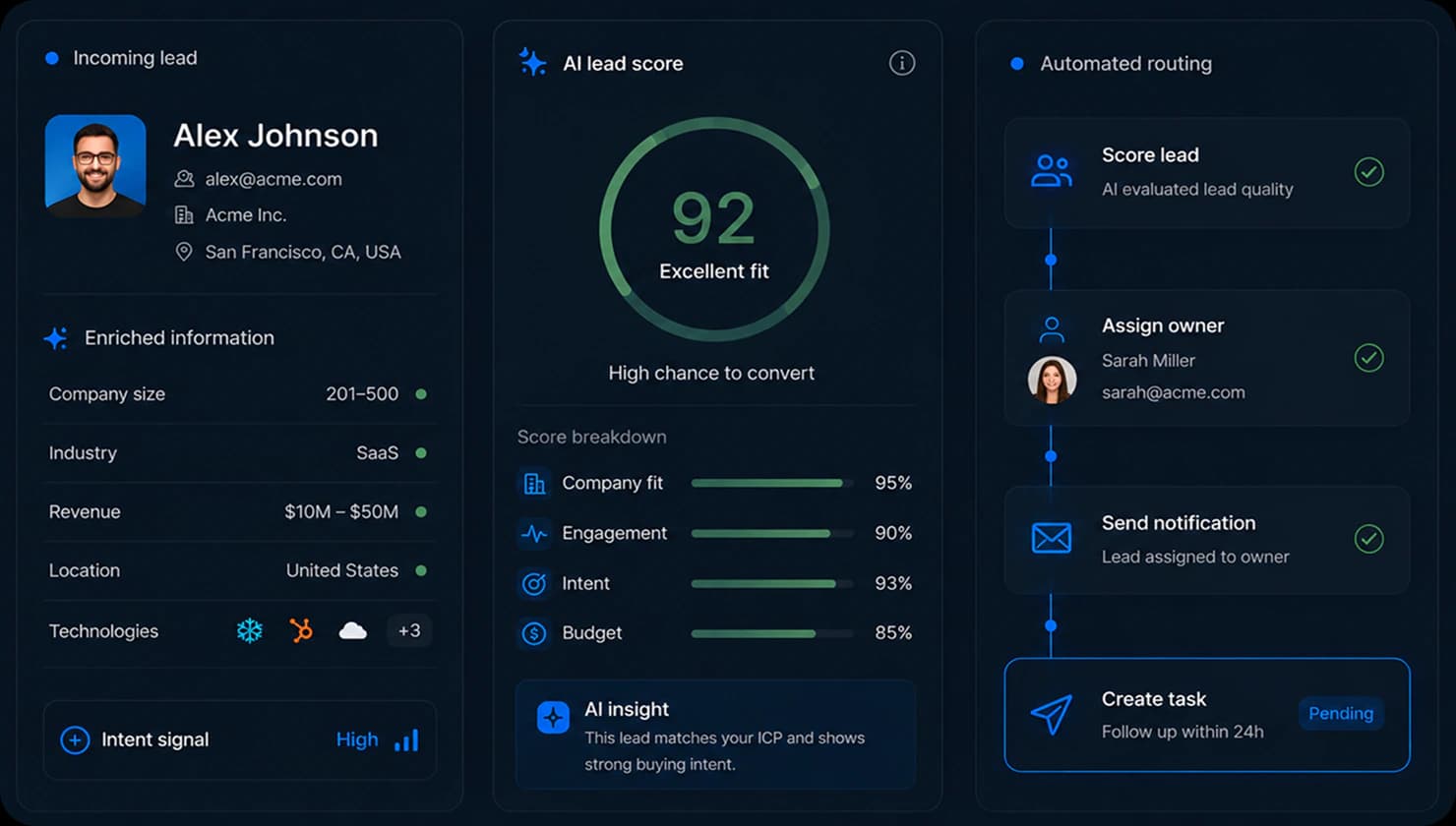
Turn inbound leads into a scored queue with missing-data flags and clear routing.
Extract requirements from calls, forms, and emails, identify missing information, prepare scope notes, and draft proposal structure.
Classify tickets, prepare sourced replies, and escalate issues that need human attention.
Extract and validate document data, then route exceptions and approvals to the right person.
Pull data from tools, summarize changes, identify anomalies, and prepare weekly updates for leadership and teams.
The build separates predictable rules from AI judgment and human decisions, then defines the data, tests, and failure behavior around each.
Customer commitments, sensitive changes, and uncertain outputs stay behind clear approval steps.
Validation, permissions, routing, and fixed business logic stay in ordinary software where predictable behavior matters.
Representative inputs define acceptable output, failure categories, and escalation behavior before launch.
Extraction, classification, summaries, and drafts operate within clear instructions, model choices, and usage limits.
Data exposure is minimized. Sensitive fields, permissions, and tool access are designed around the actual workflow.
The workflow can pause, retry, or escalate when outputs are uncertain, tools fail, or rules change.
Build one defined workflow, test it against representative cases, and increase responsibility only after the system behaves reliably.
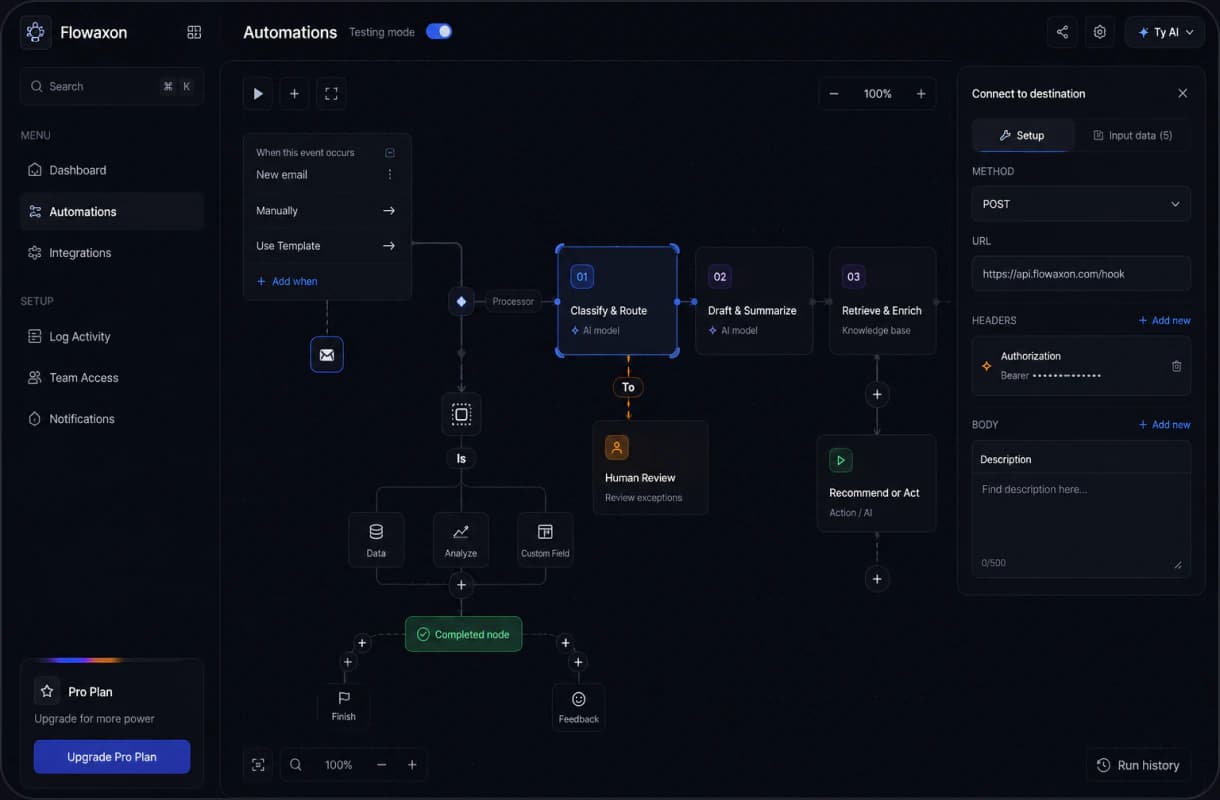
Turn the audit or agreed brief into a defined first release: inputs, systems, owners, exceptions, and acceptance criteria.
Once live, permissions, run history, alerts, and cost limits show what the system is doing and where the team needs to intervene.
Production control layer
Visible by defaultRoles and permissions
Limit who can view data, review outputs, or trigger actions.
Every action logged
Trace inputs, outputs, approvals, and overrides.
Real-time visibility
Spot failed steps, unusual costs, or quality drops.
Usage caps and limits
Keep spend predictable with model and workflow limits.
Share the tools, inputs, handoffs, and decisions involved. I will review the fit and tell you whether the next step is the paid audit or a scoped build.